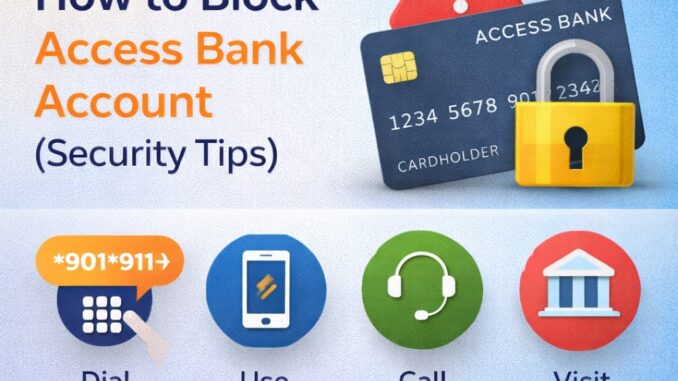
In today’s digital age, protecting your bank account is extremely important. If your phone is stolen, your ATM card is missing, or you suspect fraudulent activity, blocking your Access Bank account immediately can save you from financial loss.
Access Bank provides several easy ways to block your account quickly—without visiting a branch. This guide explains how to block your Access Bank account step by step and shares important security tips to keep your money safe.
When Should You Block Your Access Bank Account?
You should block your account immediately if:
- Your phone linked to your account is stolen
- Your ATM card is missing or compromised
- You notice suspicious or unauthorized transactions
- Your internet banking details are exposed
- You mistakenly shared your PIN or OTP
Acting fast can prevent fraud and protect your funds.
How to Block Access Bank Account Using USSD Code
This is the fastest and easiest method, even without internet access.
Steps:
- Dial *901*911# from any phone
- Select “Block Account”
- Enter the phone number linked to your account
- Confirm the action
Once completed, your account will be temporarily blocked immediately.
Works on all networks
No internet required
How to Block Access Bank Account via Mobile App
If you still have access to your phone:
Steps:
- Open the AccessMore app
- Log in with your details
- Go to Settings
- Select Security
- Choose Block Account or Card
- Confirm your request
Your account will be blocked instantly.
How to Block Access Bank Account Through Customer Care
You can also contact Access Bank customer support.
Access Bank Customer Care:
- 0700 300 00000
- 01-2712005
Explain the issue and request an account block. You may be asked to verify your identity.
Blocking Your Access Bank Account at a Branch
If none of the above options work:
- Visit the nearest Access Bank branch
- Go with a valid means of identification
- Request to block your account
This method is useful if your account requires further investigation.
How to Unblock Your Access Bank Account
After resolving the issue:
- Visit an Access Bank branch
- Provide valid ID
- Request account reactivation
Online or USSD reactivation is usually not allowed for security reasons.
Important Security Tips to Protect Your Access Bank Account
To avoid future risks, follow these tips:
- Never share your PIN, OTP, or BVN
- Enable transaction alerts
- Avoid clicking suspicious links
- Block your account immediately if your phone is lost
- Use strong passwords for mobile banking apps
- Regularly monitor your transaction history
Frequently Asked Questions (FAQs)
Is blocking my Access Bank account free?
Yes, blocking your account using USSD or customer care is free.
Can I block my account from another phone?
Yes. Dial *901*911# from any phone.
Will blocking my account stop ATM and transfers?
Yes. All transactions will be suspended immediately.
Final Thoughts
Blocking your Access Bank account quickly can save you from fraud and financial loss. Whether through USSD, mobile app, customer care, or a bank visit, Access Bank provides multiple secure options to protect your funds.
Leave a Reply